Individual translation
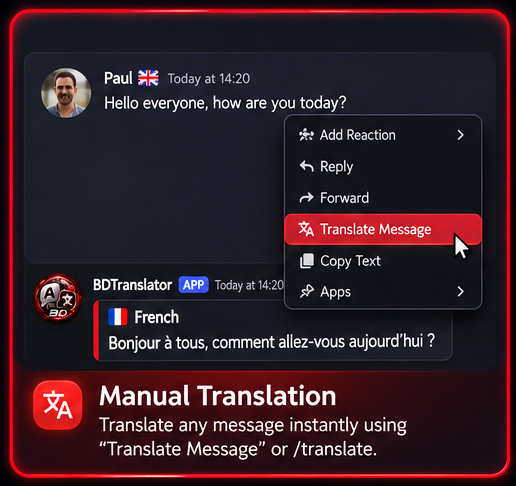
The published Discord /panel opens individual translation tools. A Translate Message context menu is retained for existing messages. Manual translation is included in every plan.
 BIG DADDYTRANSLATOR
WAYS TO CONNECT
Translation tools for individuals and Discord communities, with clear boundaries around availability.
The published Discord /panel opens individual translation tools. A Translate Message context menu is retained for existing messages. Manual translation is included in every plan.
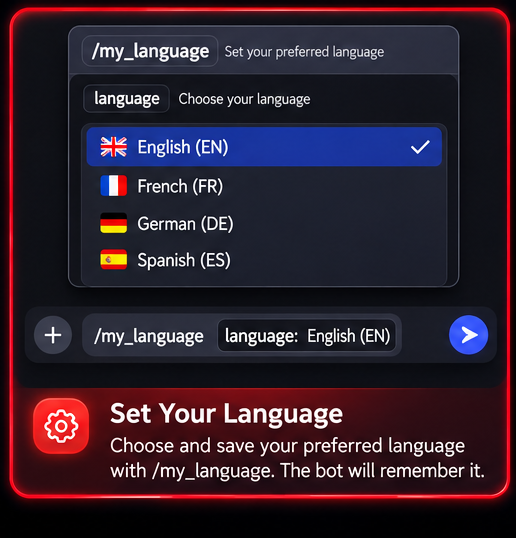
Open /panel and use My Language to save your preferred language. Inspect the language choices available in your installation.
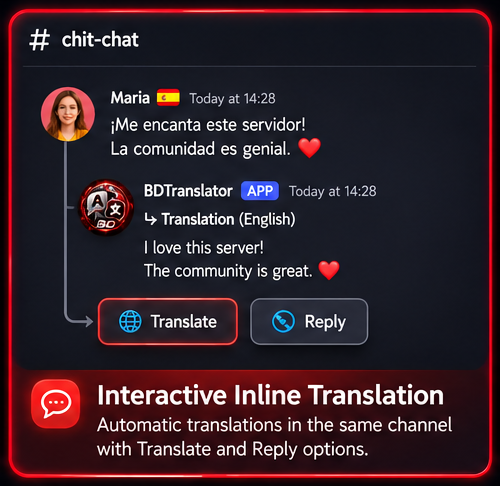
The implementation supports interactive translation and replies inside conversations. This is a paid-plan entitlement; activation and availability must be verified in your installation.
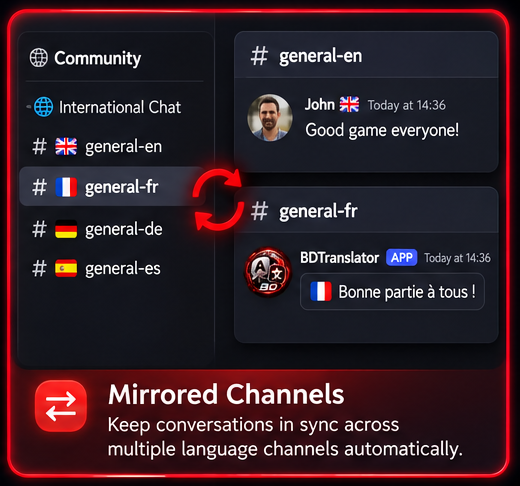
Channel groups connect conversations across configured language channels. Administrators manage groups and routes; Community is the approved plan for mirroring.
Existing Discord administration commands and the panel provide server tools. Access depends on Discord permissions and the connected bot; unavailable controls may be disabled.
Open /panel in Discord and use Report Bug to privately report a Translator problem to the bot owner. Include what happened and what you were trying to do.
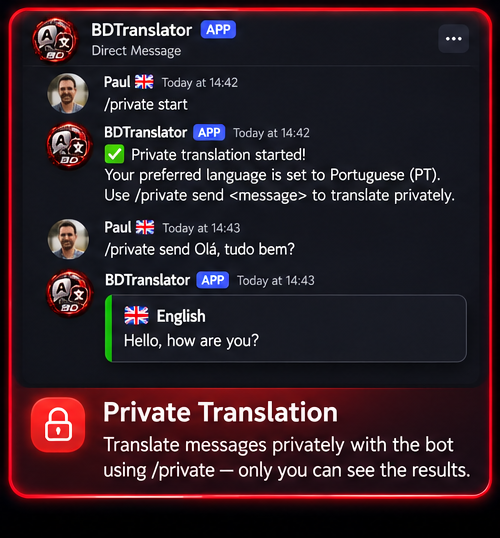
Private conversation tools are present in the bot source. Availability depends on the deployed interface and your installation.
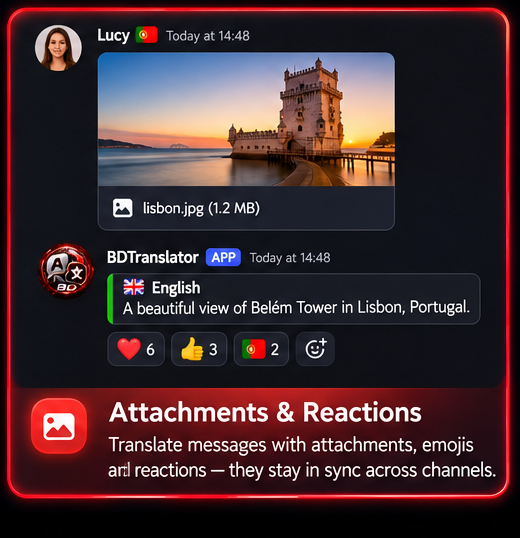
Mirrored messages can carry attachments and show reaction attribution, subject to permissions and configuration.
Compare the approved plan terms before opening the existing subscription panel.