Translate when you need it
Open Discord /panel for individual text translation, or use the Translate Message context menu.
 BIG DADDYTRANSLATOR
BIG DADDY / DISCORD TRANSLATOR
Give your Discord conversations room to grow. Translate individual messages, choose your language and explore connected multilingual channels.
Already using Translator? Open your existing panel →
BUILT AROUND THE CONVERSATION
Open Discord /panel for individual text translation, or use the Translate Message context menu.
Save a preferred translation language and check the languages available in your installation.
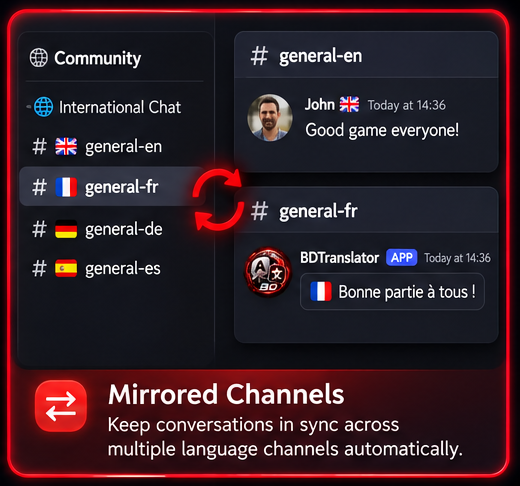
Explore Community plan mirrored channels and Starter inline conversations. Availability depends on your installation and verified access.
A CLEAR PLACE TO START
Follow the setup guide, then manage your server in the existing Translator panel.